
It’s build it with AI in mind, but designers in heart
As a designer you have full control on everything. You decide on which tasks AI will help you
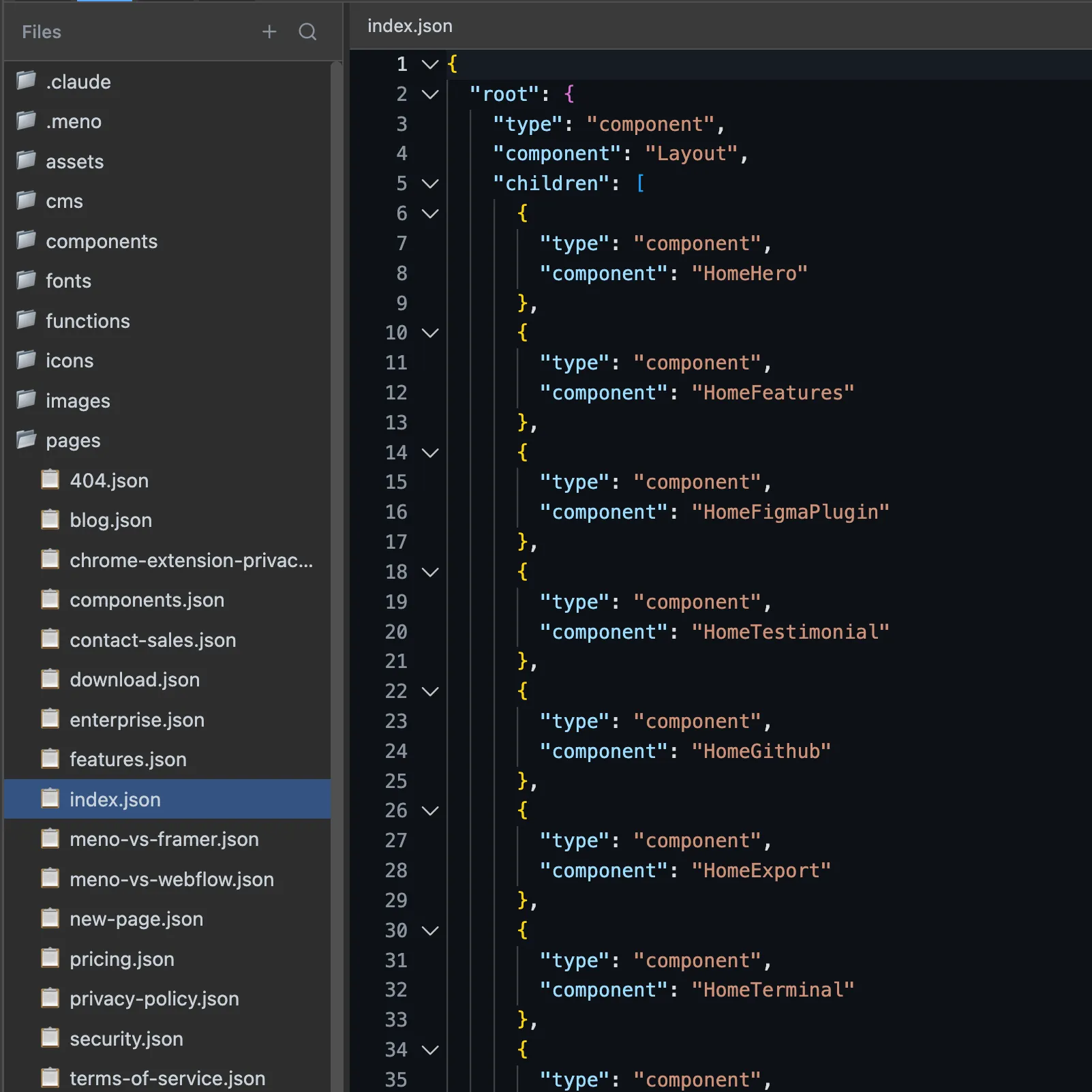
Local first
Files stored in your repository, not our cloud. Self-host or deploy anywhere with zero lock-in.
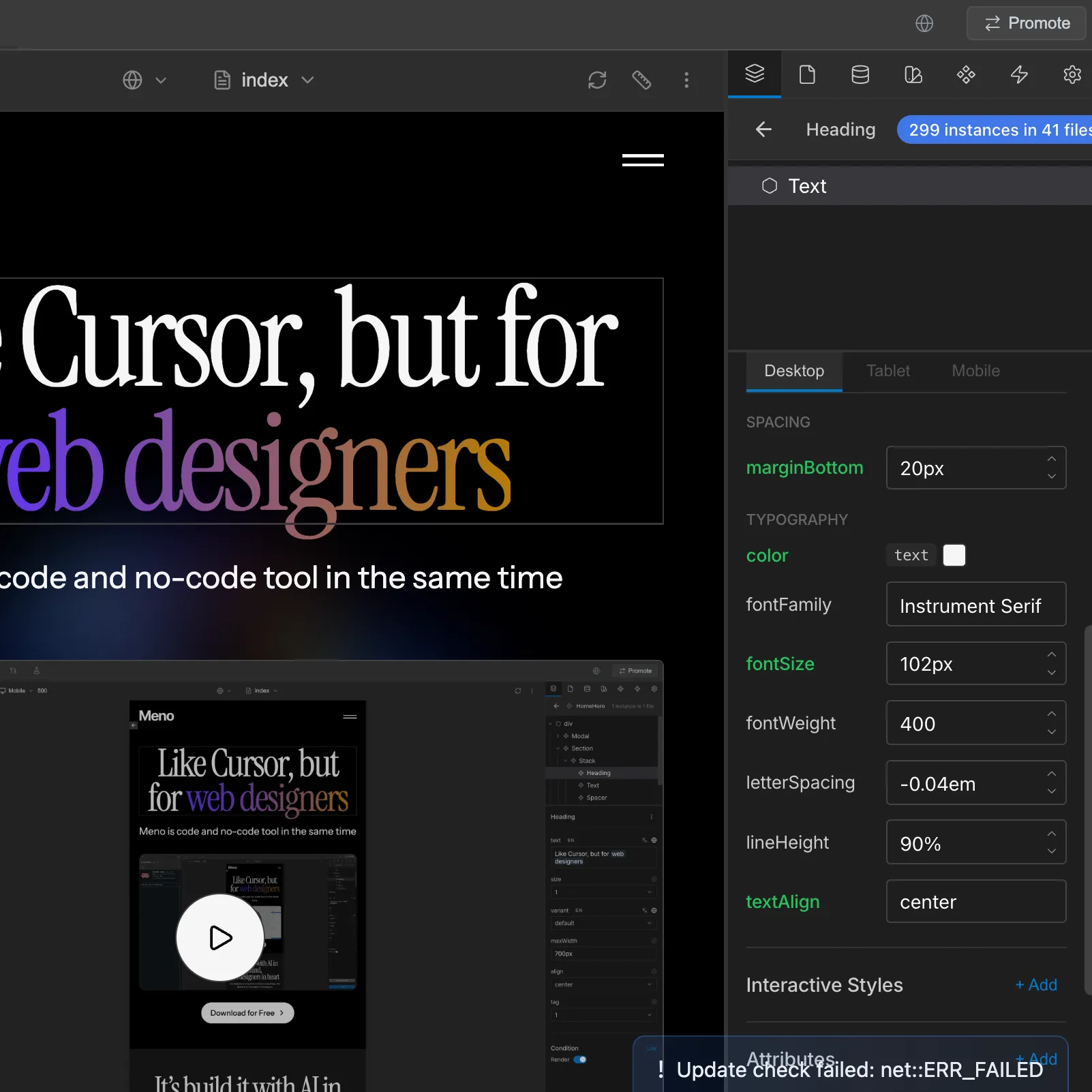
Visual expirence
Drag-and-drop page builder with live preview. Design for desktop, tablet, and mobile with reusable components.
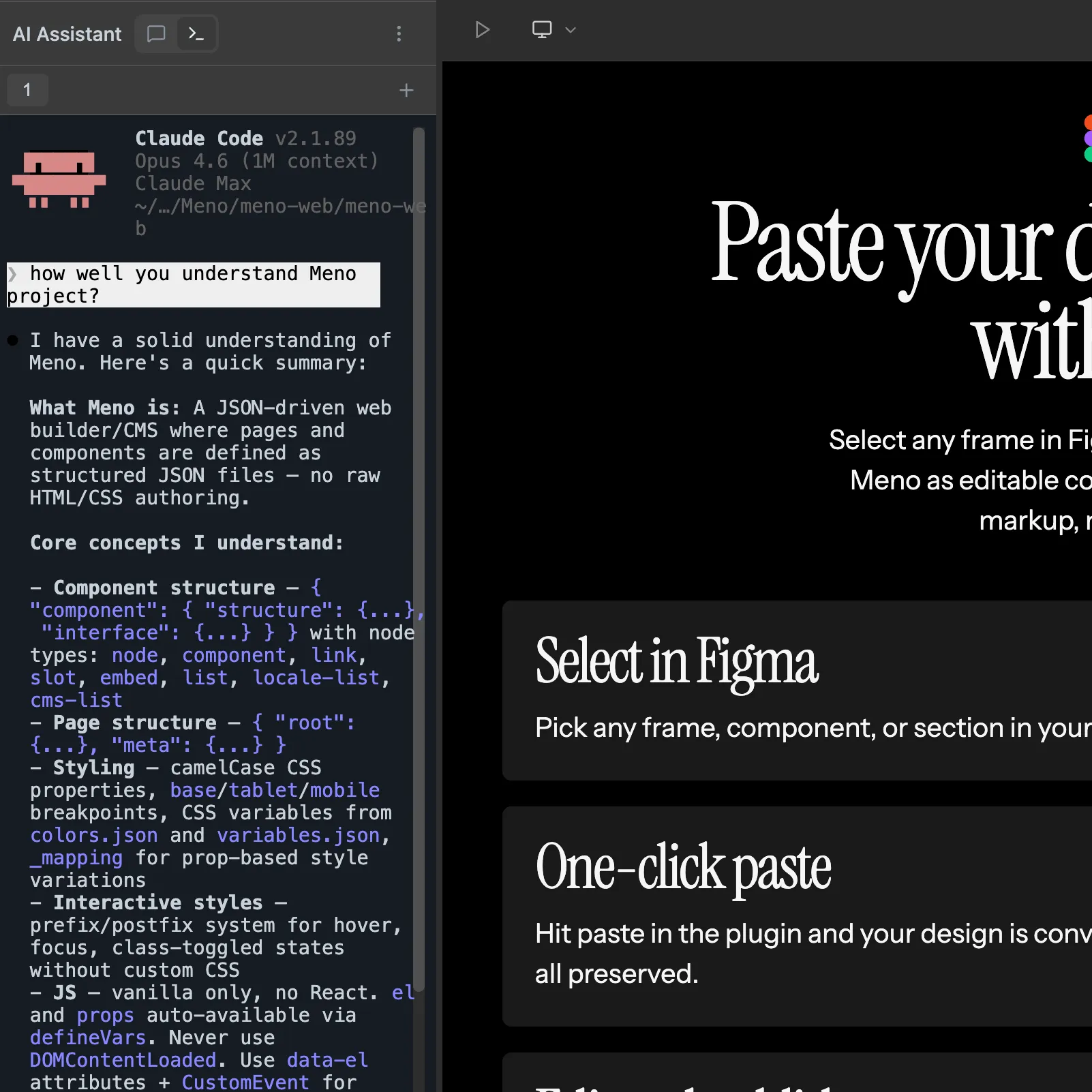
Designed for AI
Built-in AI assistant that understands project. Select an element, describe what you want, refine, approve.
Paste your design from Figma with one click
Select any frame in Figma, click paste, and watch it appear in Meno as editable components. No export, no copy-paste markup, no rebuilding from scratch.
Select in Figma
Pick any frame, component, or section in your Figma file. The plugin reads your layers, styles, and layout.
One-click paste
Hit paste in the plugin and your design is converted to Meno components instantly. Colors, fonts, spacing — all preserved.
Edit and publish
Your pasted design is fully editable in Meno. Tweak content, add interactions, and publish — your Figma mockup is now a live site.
"Meno invoked the same feeling I got when opening Webflow for the first time, we're entering a new era of ai powered web development and I'm betting on meno to take us there"

Dawid Skubiusz
tonik @ head of nocode
Your website lives in a Git repo
Every change you make is a commit. Branch, merge, and rollback with a visual diff viewer. Collaborate with your team the way developers already do.
Version control built in
Every save is a Git commit with full history. See exactly what changed, when, and by whom. Roll back to any previous version instantly.
Branch and merge
Work on new features in branches without affecting the live site. Preview changes, then merge when ready. Conflict resolution with visual diffs.
Team collaboration
Designers and developers work in the same repo. Push to GitHub, open pull requests, and use your existing CI/CD pipeline to deploy.
Export to Astro + Tailwind
Projects are built for Meno Core — a lightweight runtime that powers your site. But if you ever want to move on, export your entire project to Astro + Tailwind with one click. No lock-in, ever.
Lightweight runtime
Meno Core compiles your project to static HTML, CSS, and JS. Fast load times, great SEO, and no client-side framework overhead.
Export to Astro
Export your project as a fully structured Astro codebase with Tailwind CSS. Components, pages, and layouts — all mapped cleanly.
Zero lock-in
Your code is always yours. Export anytime and continue development in your own stack. Meno is a tool, not a platform you're trapped in.
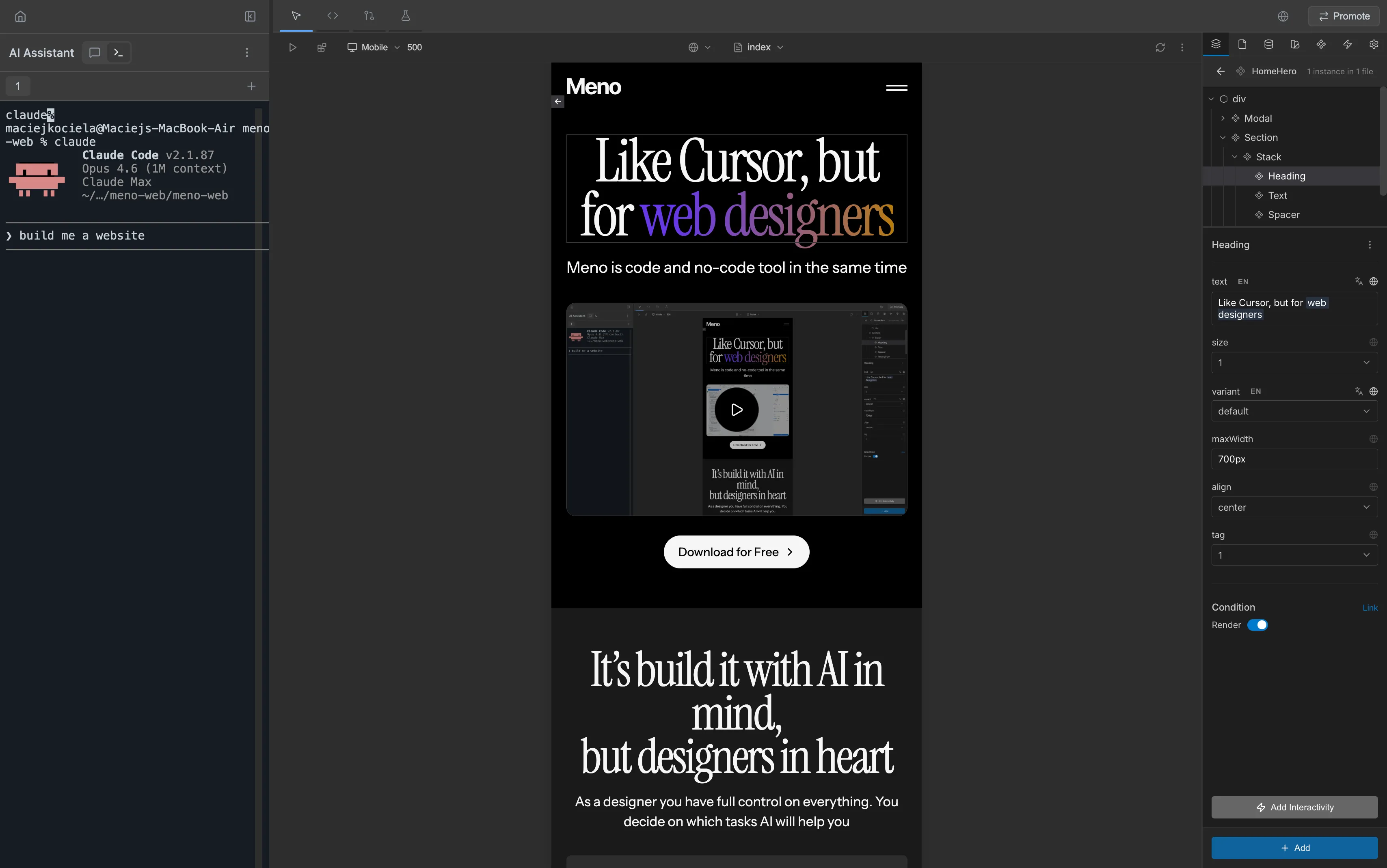
Use any AI tool Claude Code, Codex, Cursor...
Meno projects are plain JSON files in a Git repo. That means any terminal-based AI tool can read, edit, and build your site. Claude Code works best — it understands the Meno structure and can create full pages and components from a single prompt.
Plain files, any tool
Meno projects are JSON and JS files — no database, no proprietary format. Cursor, Windsurf, Aider, or any AI coding tool can work with them out of the box.
Claude Code + Meno
Claude Code understands Meno's component structure deeply. Describe a page or feature in natural language and it builds production-ready components, pages, and layouts.
Real-time preview
Run your terminal AI alongside Meno Studio. Every file change is picked up instantly — you see the result in the visual editor as the AI writes code.
Get started with Meno
Download Meno Studio and build your first site in minutes. No coding. No signup. Just results.